Sky map & framing
Find your target, view the field of view and determine your composition before starting GoTo.
 KAYSTROAstronomy Software Made Simple
Smart telescope control & astrophotography
Get more out of your Seestar from your Windows PC. From live view and precise framing to live stacking, planning and managing your captures — all in one clear app.
Compatible with ZWO Seestar S50S50 Pro: automatic model detection and FOV support are built in; GoTo and telescope control are currently undergoing further testing.
Connect your Seestar, find objects, determine your framing, point and focus the telescope, follow the live view, stack images, plan observations and manage your captures — all from one clear Windows interface.
KAYSTRO — Astronomy Software Made Simple
Everything you need to prepare, control and follow your observing session from one clear interface.
Find your target, view the field of view and determine your composition before starting GoTo.
Follow the live image and control movement, focus and capture from one screen.
Follow your stack as it builds and keep the most important observation information in view.
Plan a complete observing session with targets, start times, exposure settings and filters. SeeCapture can then run the plan automatically, observing and stacking the scheduled targets one by one.
Keep your captured images organised and accessible directly from SeeCapture.
Check for new versions and choose the interface and theme that suit you best.
Real screenshots of the current Windows app — from overview and framing to stacking, planning and your album.
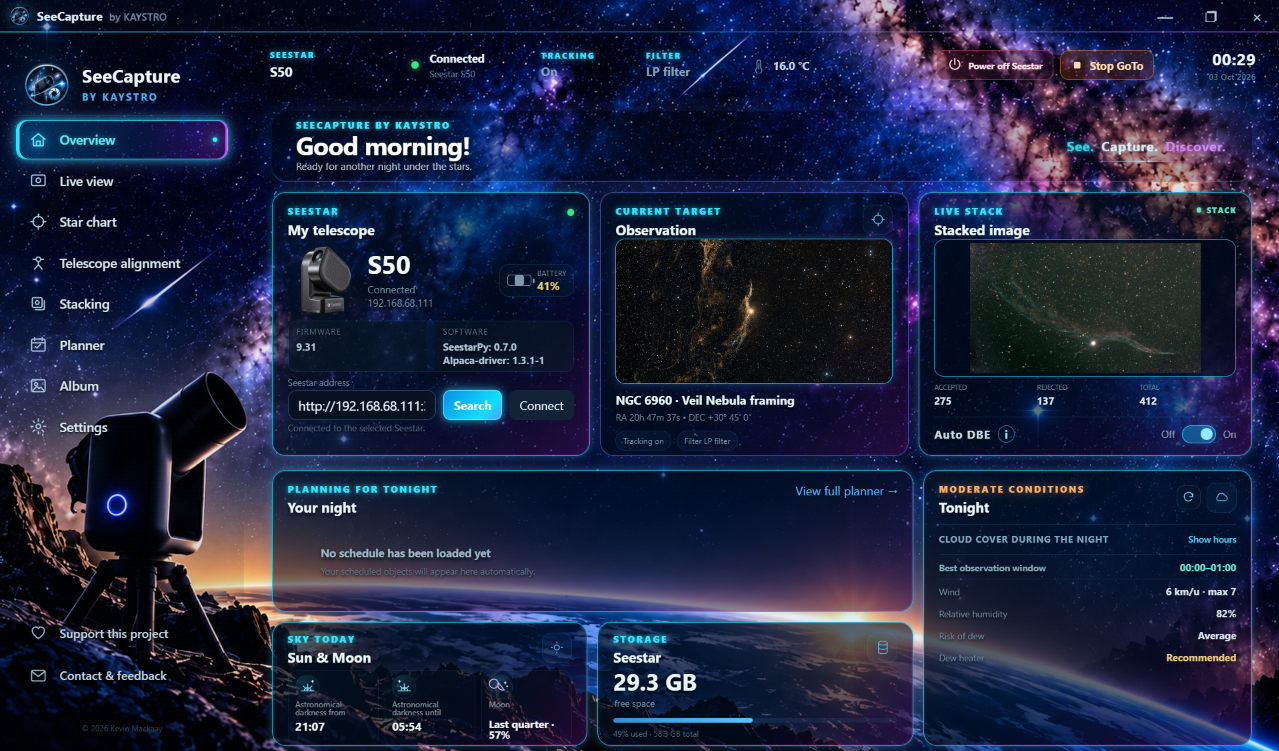
Status, current observation, stack information, planning and more at a glance.
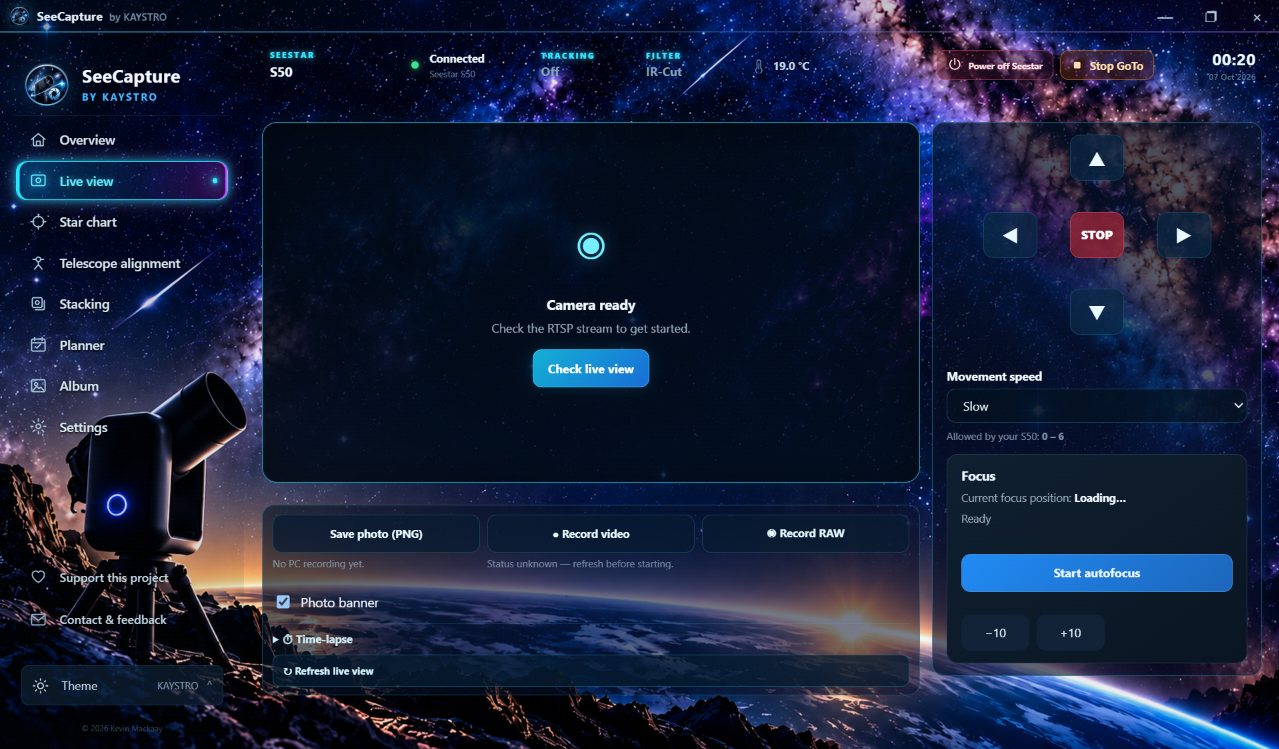
Live image, movement, focus and capture controls together on one screen.
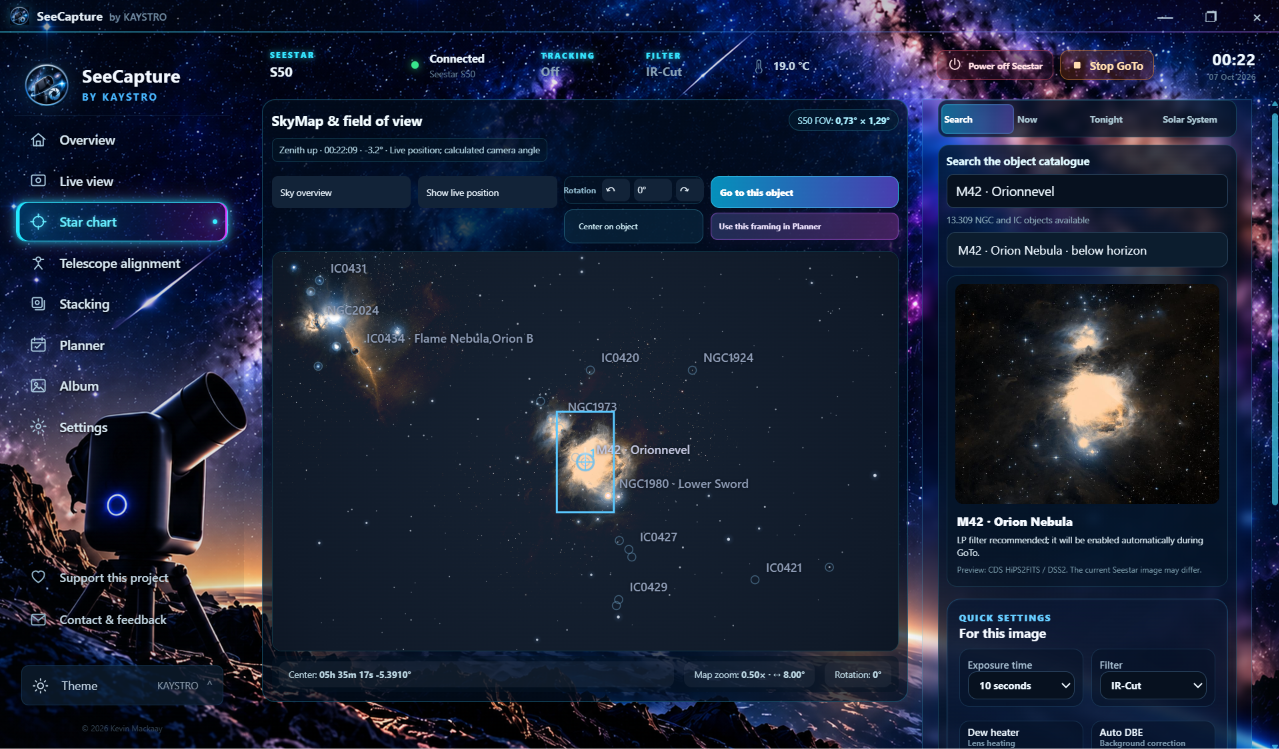
Search for your target and determine the field of view and composition before GoTo.
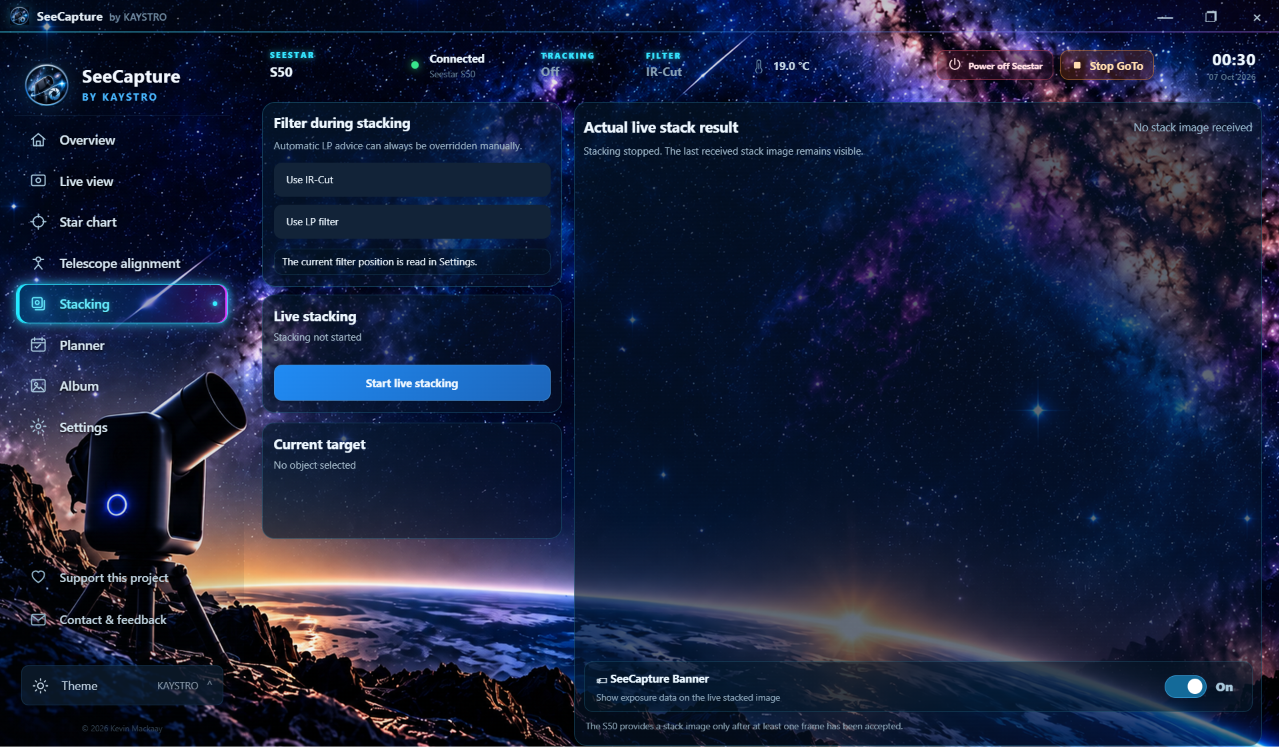
Follow your observing session and stacking process from SeeCapture.
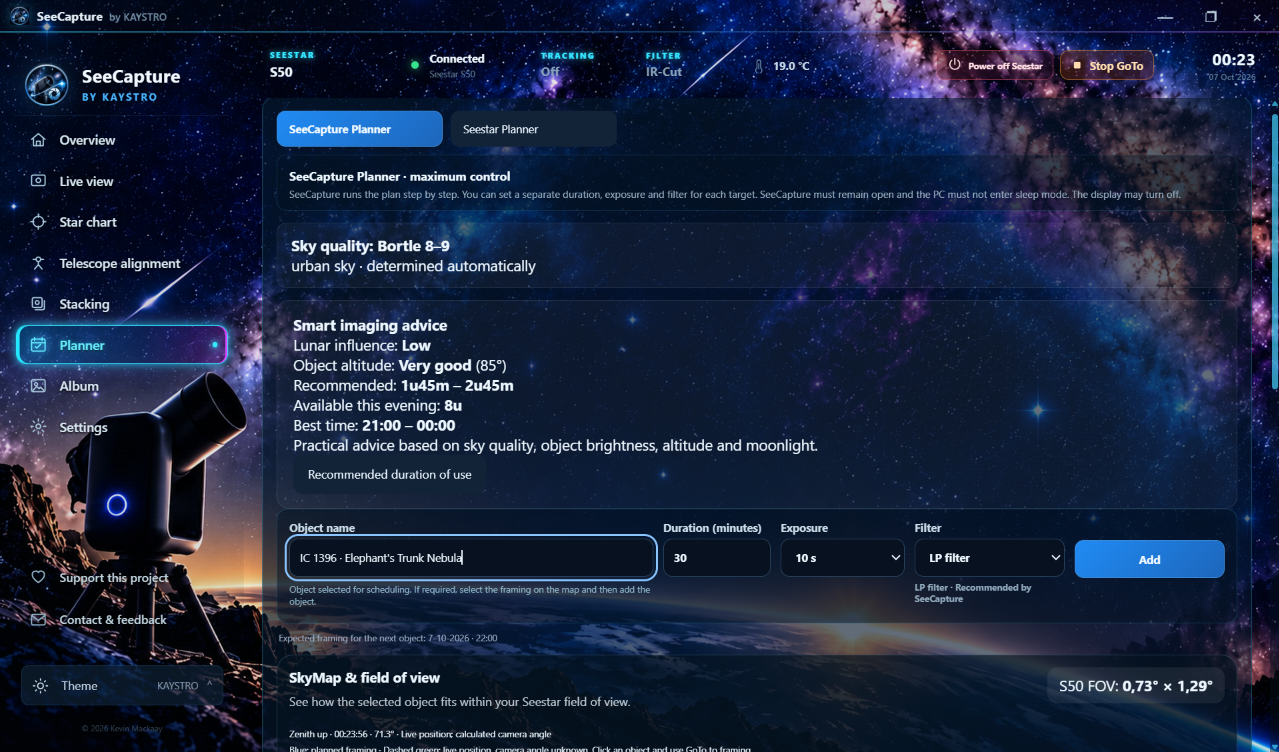
Prepare targets, timing, exposure and filter settings for your session.
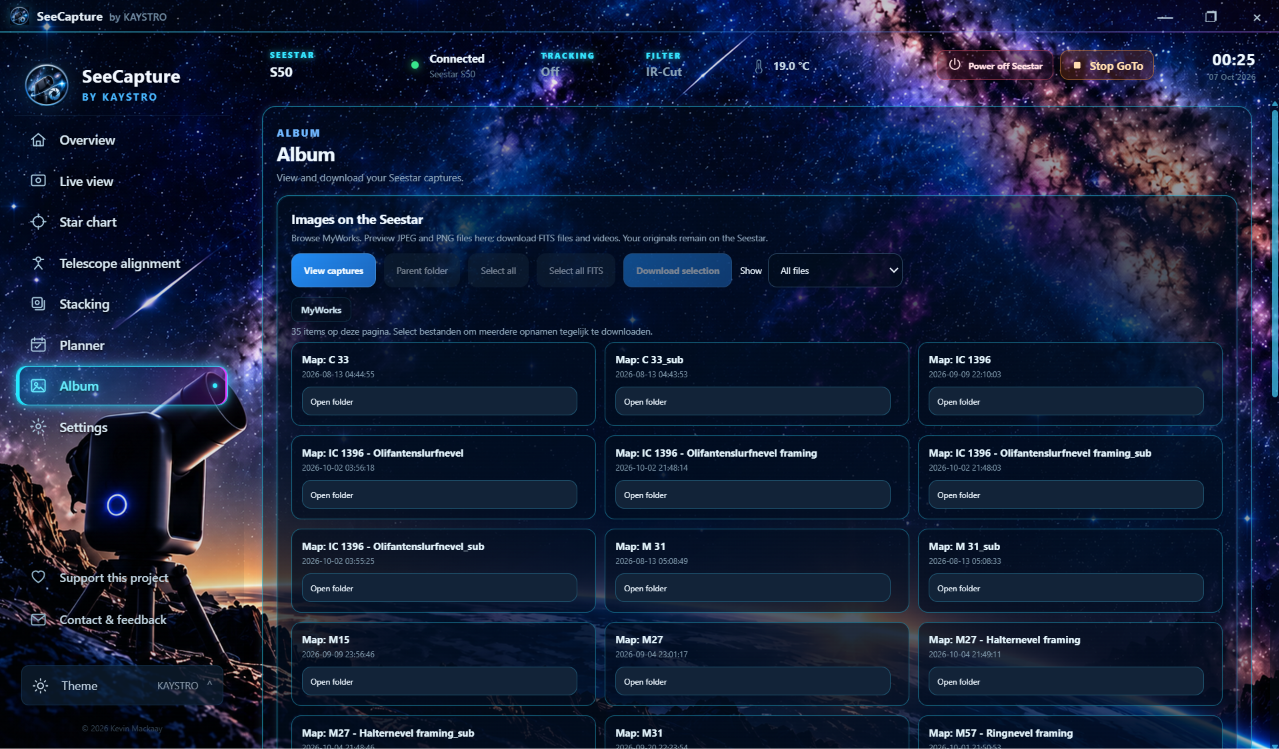
Browse and manage your captured images from one clear overview.
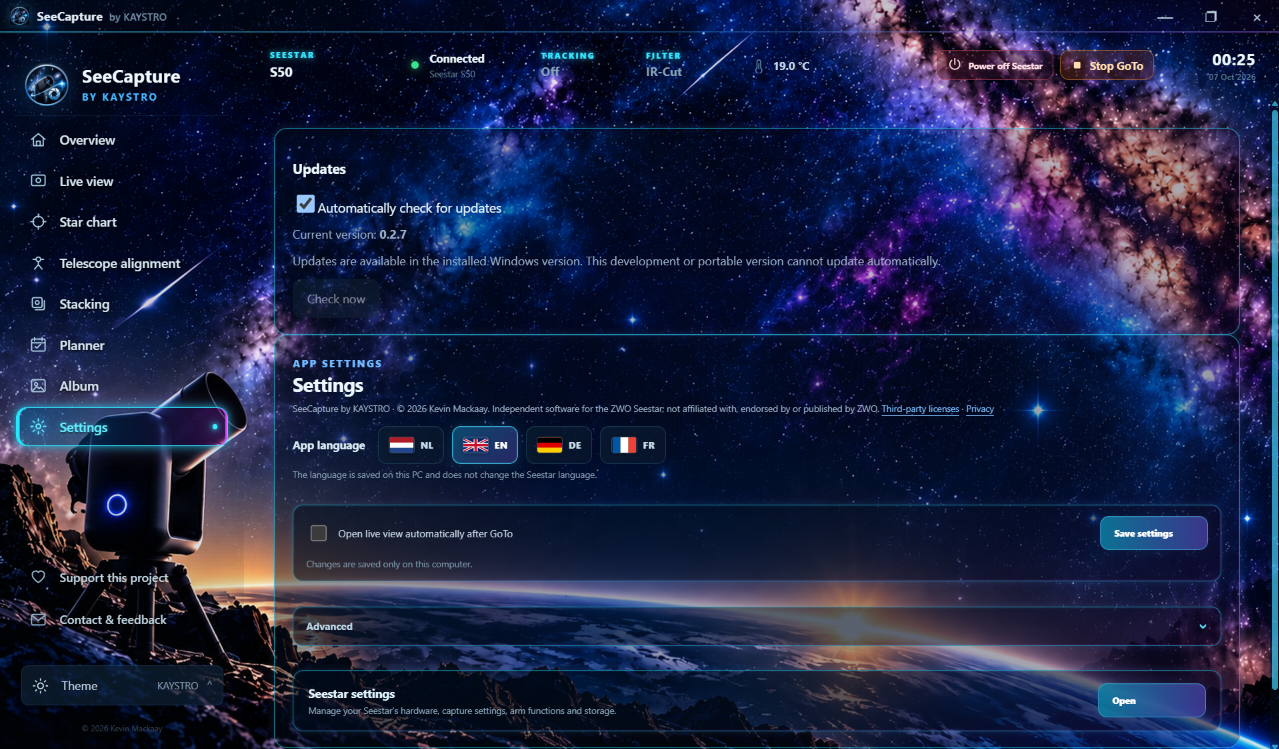
Manage languages, updates, preferences and other app settings.
Choose the interface that best suits your way of observing. The functionality remains the same.
The familiar SeeCapture look with stars, blue and purple accents and subtle glow effects.
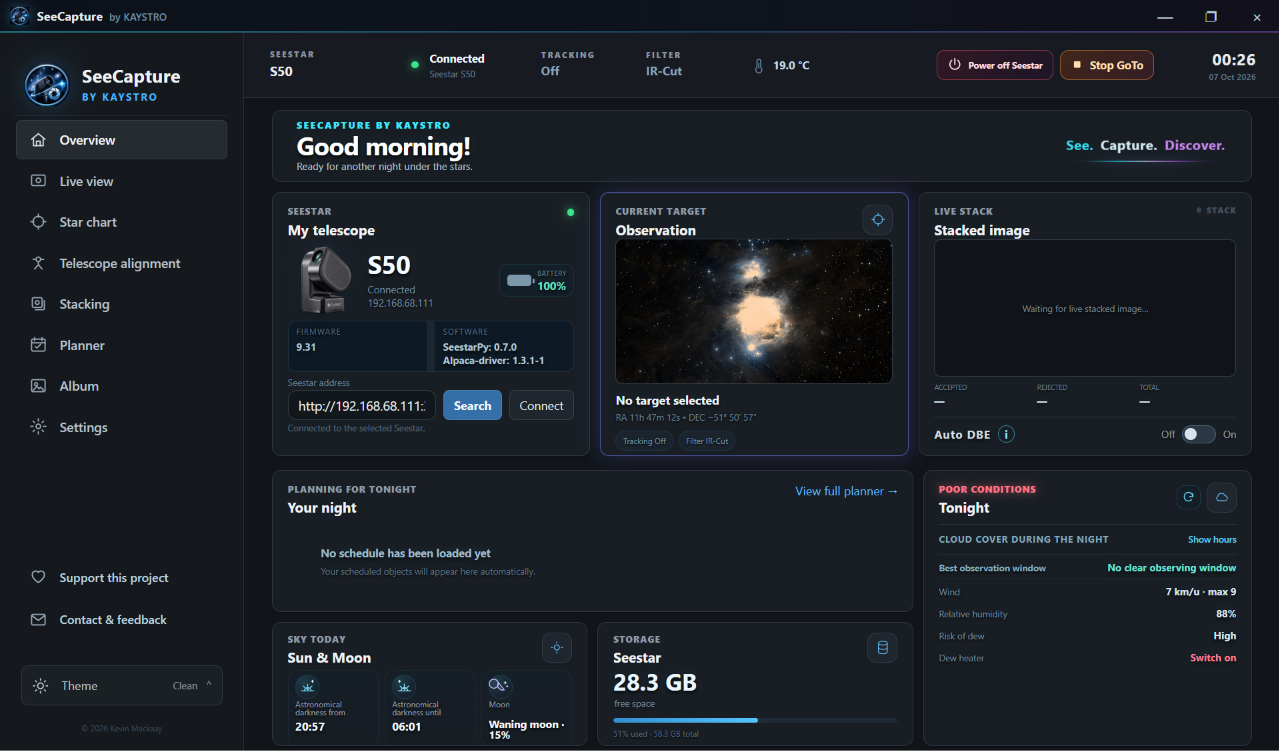
A calmer, minimal interface with fewer visual effects and subtle accents.
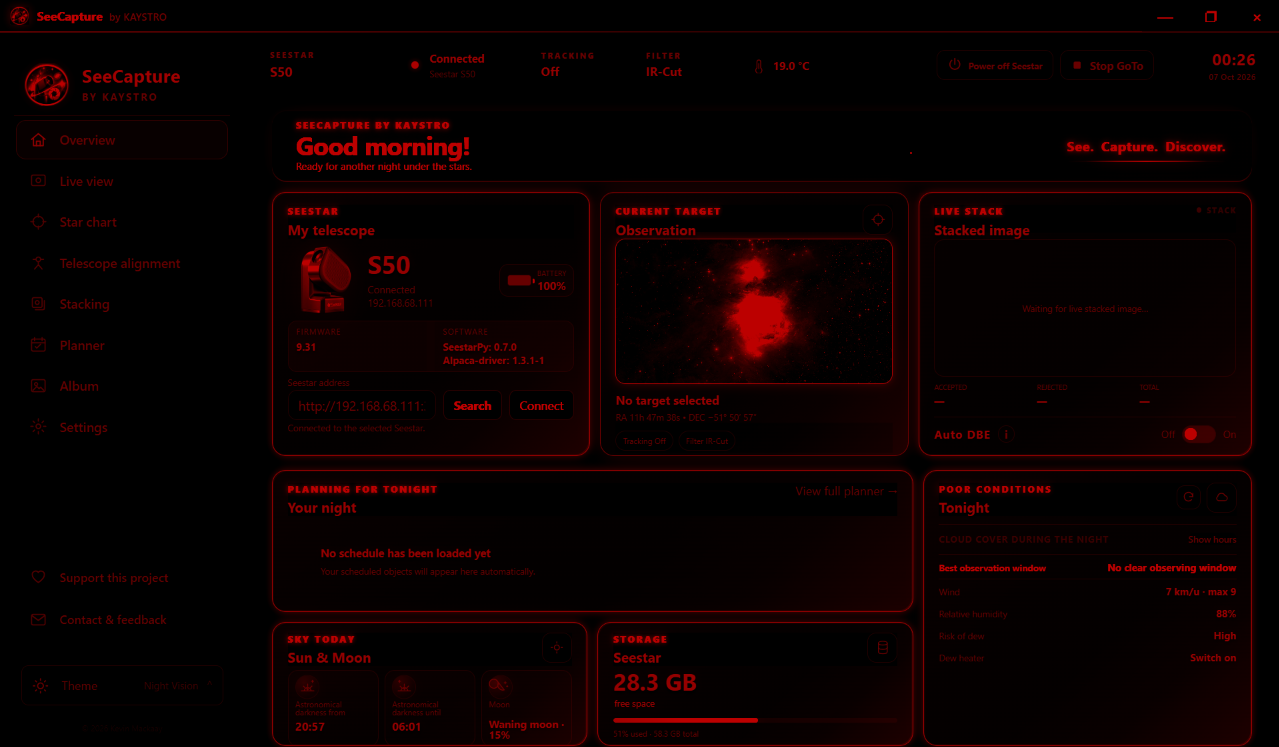
A red interface designed to be less disruptive to your night vision during observing sessions.
SeeCapture is an active public beta and is continuously being developed based on real-world testing, new possibilities and feedback from users.
Found a problem or have a good idea? Let us know. For technical issues, please include your app version, firmware version and the steps needed to reproduce the problem whenever possible.
KAYSTRO is not a company, but an independent hobby project. SeeCapture is developed in my spare time and does not generate any income for me.
SeeCapture is free to use, and I would like to keep it that way. If you find the app useful, a voluntary contribution can help cover costs such as the website, domain, development and testing.
Donations are completely voluntary and are not payment for the software. All SeeCapture features will remain available for free.
Support SeeCapture via PayPalLoading release details…
View releases on GitHubWindows may display a security warning. Check the source and, when available, the SHA-256 before running the file.
Installation · · FAQ · GitHub Releases
—
Total for all .exe installers, including earlier betas. ZIP downloads are excluded. This does not measure unique users or installations; counts may be delayed.